
How to Back Up Your Wedding Photos (Before Something Goes Wrong)
&layout=none&ref=https://nathansixsmith.com/blog/2026/8/how-to-back-up-your-wedding-photos-before-something-goes-wrong)
How to Back Up Your Wedding Photos (Before Something Goes Wrong)
You've got your wedding gallery. The excitement of seeing your day again, scrolling through hundreds of images, picking favourites to print or share. It's a good feeling, and an easy one to sit in for a while.
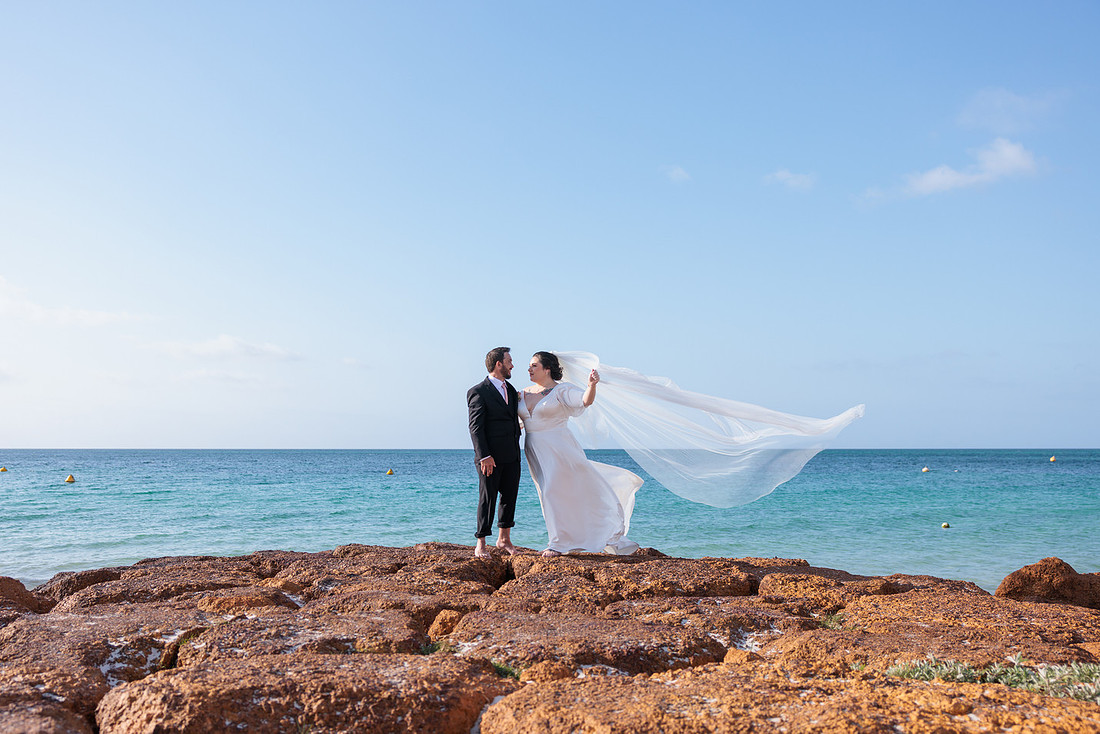

But here's the thing nobody tells you at the time: that gallery link won't last forever, and neither will the USB sitting in your bedroom drawer.
Why this matters more than people think
I've had couples reach out two or three years after their wedding asking for their photos again, usually after a phone got lost, a laptop died, or a hard drive stopped working. Sometimes it's recoverable from the device. Often it isn't.
Wedding photos are one of the few things people genuinely regret losing. Not because of the file size or the convenience, but because that day doesn't happen again. You can't reshoot it.
The good news is protecting them takes maybe twenty minutes, once, and you never have to think about it again.
The 3-2-1 rule
Photographers and IT people both swear by this, and it's simple enough to actually follow:
3 copies of your photos. 2 different types of storage. 1 copy stored somewhere other than your house.
That's it. You don't need anything complicated, you just need to not keep all your eggs in one basket, literally one hard drive on one shelf. A typical setup might be your computer or laptop, a USB or external hard drive, and a cloud account, that's your three copies across different storage types sorted.
Step by step
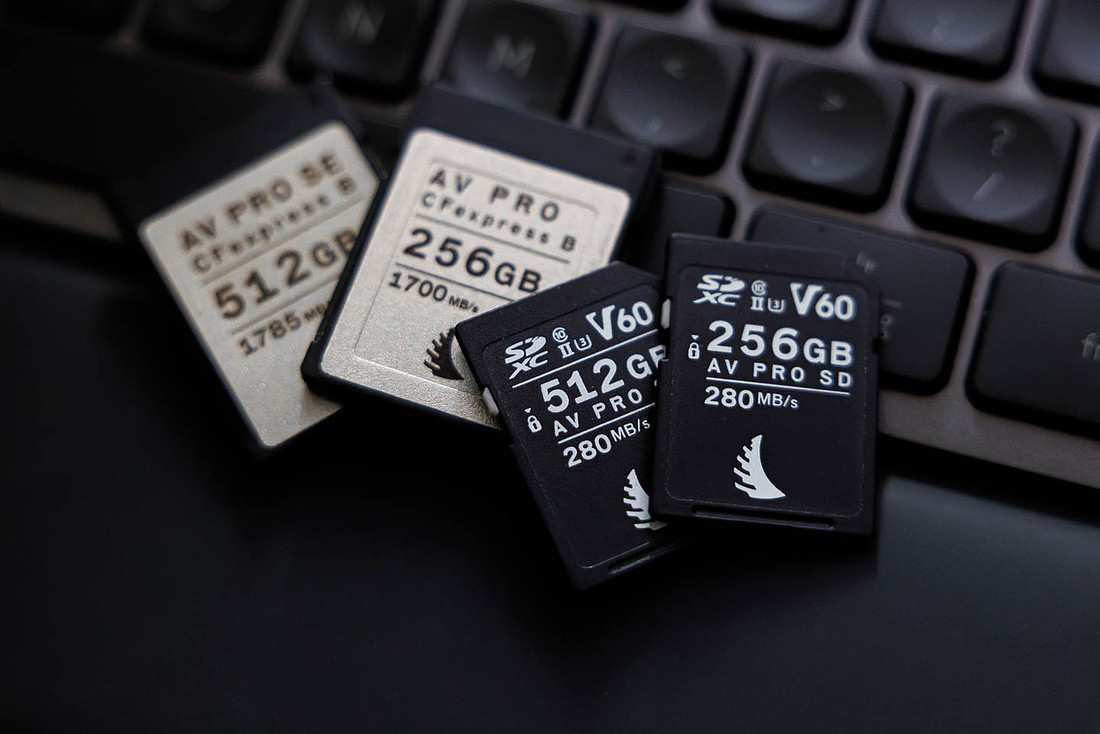
- Download everything from your online gallery onto your computer or laptop Don't rely on the gallery link staying live forever. Most photographers, myself included, keep galleries active for a set period (mine's available for 12 months from delivery). Download the full-resolution files onto your computer or laptop as soon as you can, that's your first copy sorted.
- Copy them to a USB or external hard drive If you were given a USB drive as part of your package, that's one copy, but it shouldn't be your only one. USB drives are small, cheap to make and easy to lose, and they can fail without warning. Copy the contents onto your Mac, laptop or PC if you haven't already, plus a second USB or external hard drive, and keep them in different spots, not side by side in the same drawer.
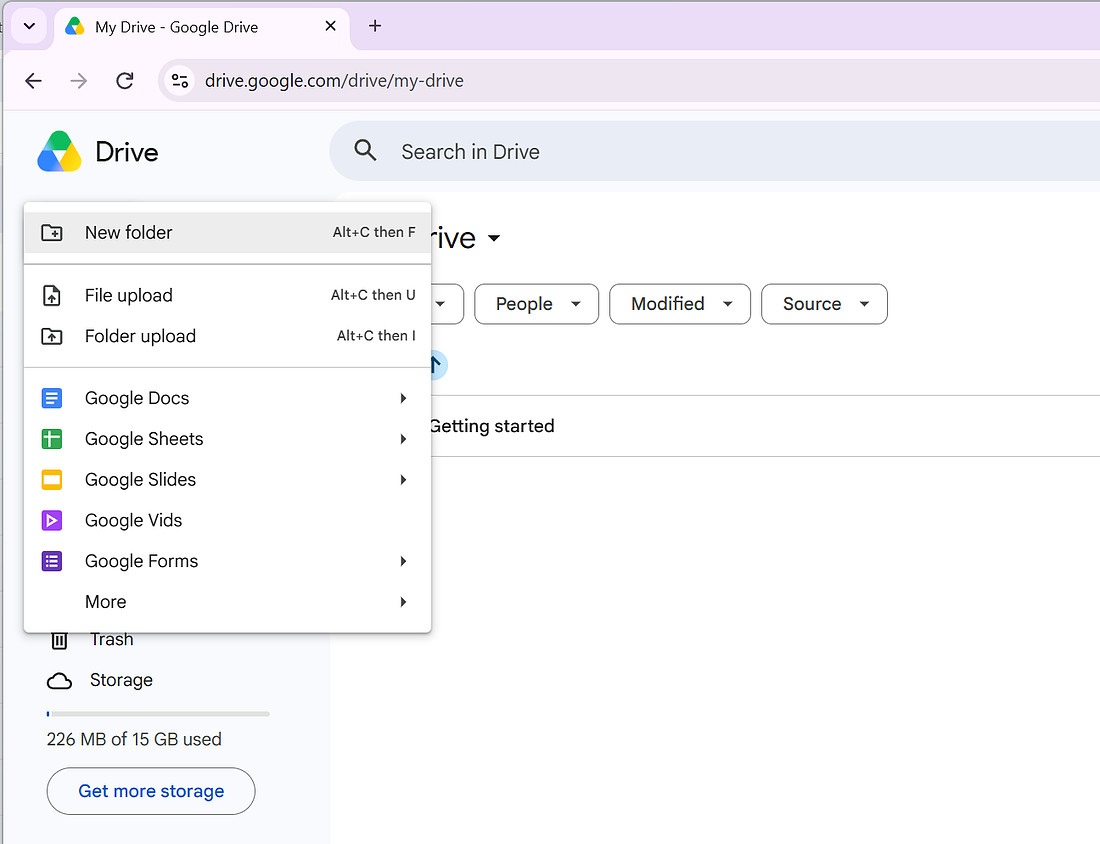
- Upload a copy to the cloud Google Drive, Dropbox, iCloud, anything works. The point isn't which service, it's having a copy that exists somewhere other than your physical house. If your home was flooded or burgled tomorrow, your cloud copy would still be there.
- Don't rely on social media as a backup This one catches people out. Photos uploaded to Facebook or Instagram are compressed, often quite heavily, and you don't actually own the master files there. They're fine for sharing, terrible as your only backup.
- Check in on your backups once a year Hard drives fail. It happens more than people expect, usually with no warning. Plug yours in once a year, just to confirm everything's still readable. If you're using cloud storage, a quick scroll through is enough to confirm nothing's missing.
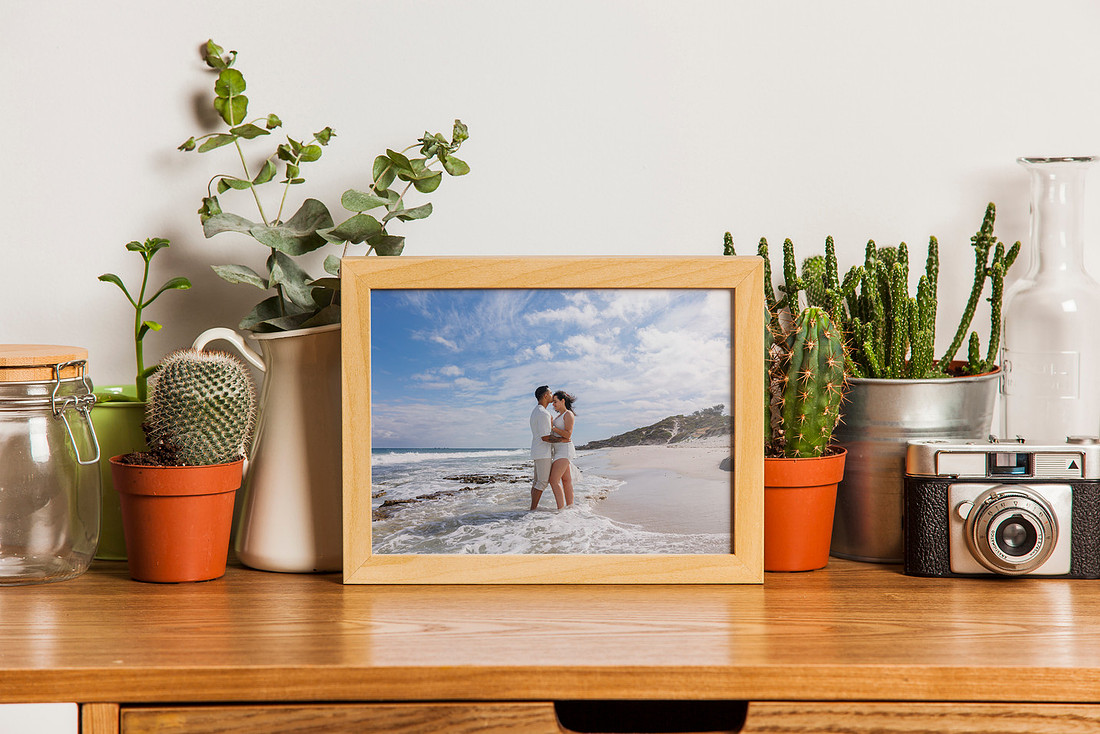
Don't forget to print some too
Digital backups can all fail in their own ways, drives die, accounts get locked out, files get corrupted. A print doesn't have any of those problems. It just exists, sitting on a wall or in a box, independent of any device or account.
It's not a replacement for your digital backups, more the layer that's there if everything else somehow goes wrong at once. It doesn't need to be every photo either, just your favourites in an album or a few framed prints is enough to make sure something tangible survives no matter what happens to your files.
What I do on my end
Every wedding I shoot comes with a private online gallery and a USB drive as part of the package, plus your files are also kept on Google Drive on my end for 12 months as a safety net. But that safety net isn't permanent, and it's not a substitute for your own backup. Once your gallery and USB are delivered, the responsibility sits with you to look after them.
It sounds like a small thing in the middle of everything else that comes with planning a wedding, but it's worth the twenty minutes. These are the photos you'll go back to for the next fifty years, at anniversaries, when your kids ask to see them, when you just want to remember the day. Worth keeping safe.
If you've got questions about your gallery or need a re-download link, reach out any time.
